One Setup, Endless Automations - Run Your Academy on Autopilot

Plug in the tools you already use, then let Mentortools deliver access, update records, and kick off emails without manual work. Build no-code workflows via Zapier or Make, trigger custom actions with the MCP server, and manage it all in Mentortools.

Check out all the features. Then try Mentortools for 0€.

Payments, Email, and Courses— All in One Flow

Keep your current processors and let Mentortools handle enrollment and permissions in real time. Build no-code workflows in Zapier/Make and add custom actions through the MCP server.

#1 Connect the Checkout You Already Use

PAYMENT PROVIDERS

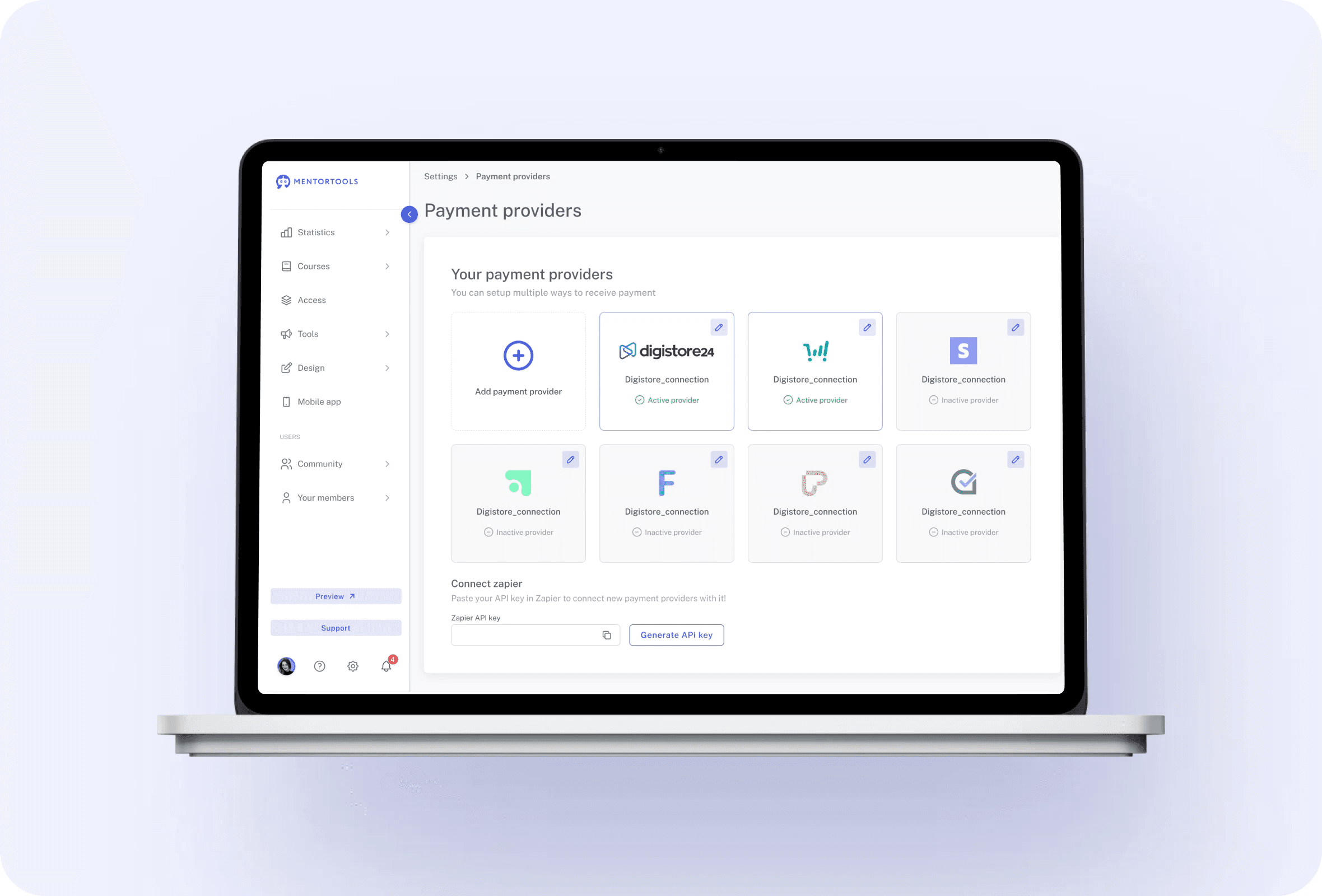
Plug Mentortools into leading payment providers—Digistore24, ThriveCart, CopeCart, Stripe, Ablefy—and auto-enroll buyers the moment a purchase clears. Orders sync to the right course, access is granted instantly, and refunds or cancellations can adjust permissions without spreadsheets. API-key connections keep setup fast, so you can keep selling where you already sell while Mentortools delivers the learning experience.

Create your finished course in less than 5 minutes.
IntegrationsAutomations feature 1

#2 Automate With Zapier & Make

ZAPIER & MAKE
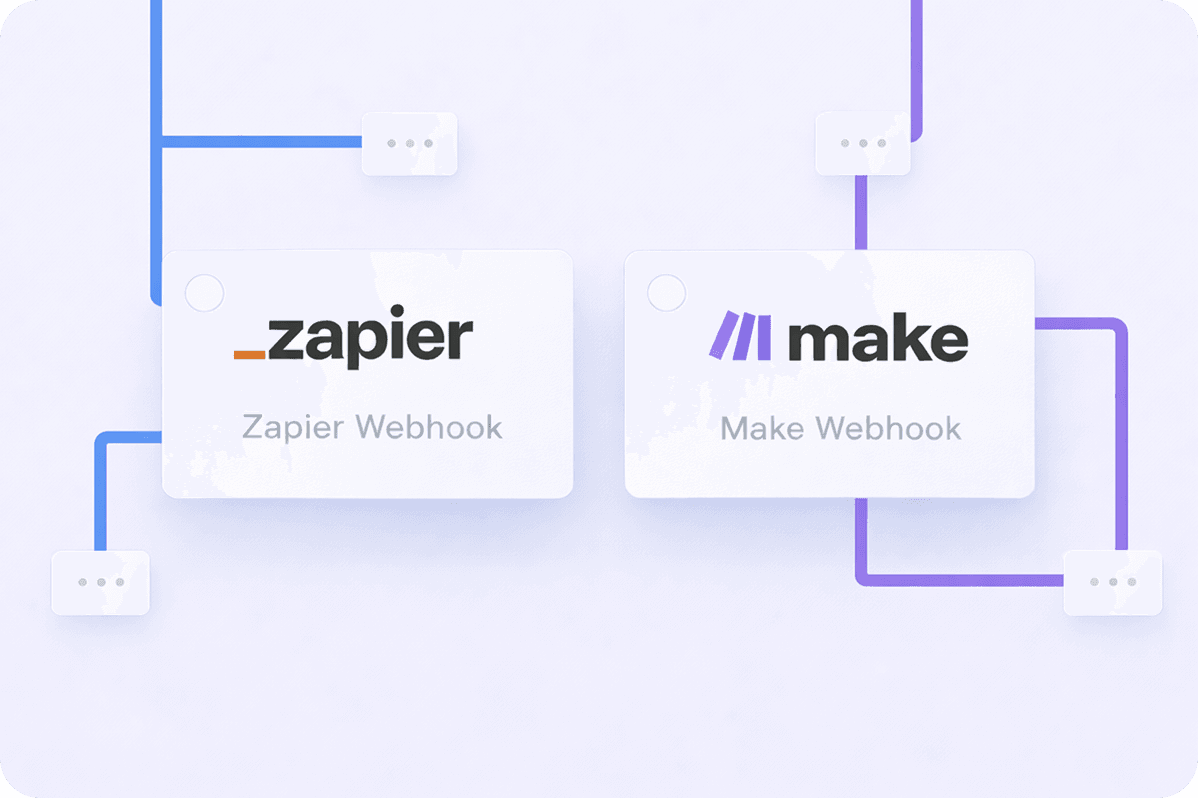
Tie Mentortools to thousands of apps via Zapier and Make to replace manual busywork with no-code flows. Create purchases, add members, tag contacts, or send onboarding emails as soon as a trigger fires.Route data to your CRM, sheets, or help desk automatically. These automations scale operations without extra headcount and keep your systems perfectly in sync from the first touch to the final lesson.
IntegrationsAutomations feature 2

#3 MCP Server: Your Automation Hub

MCP SERVER
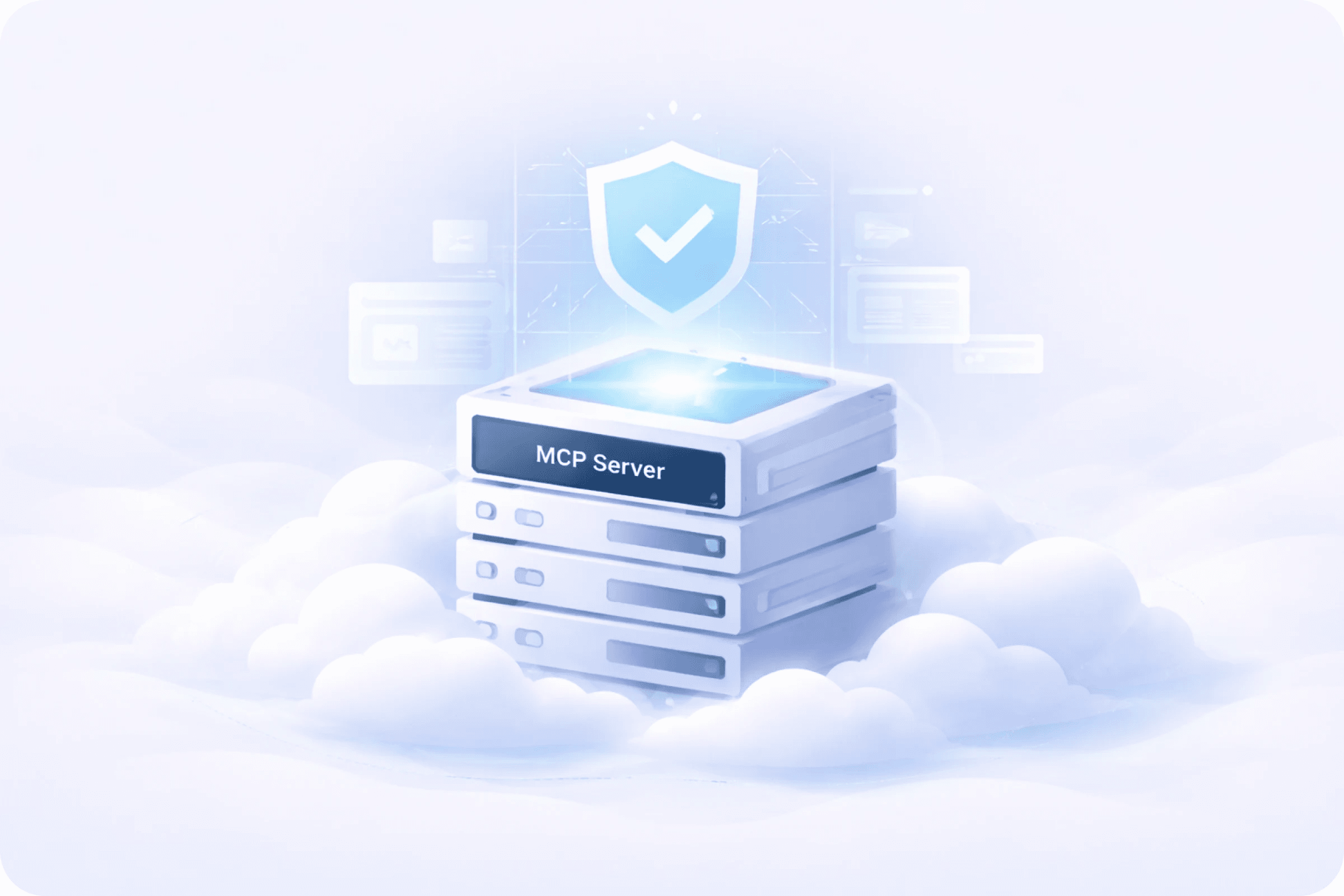
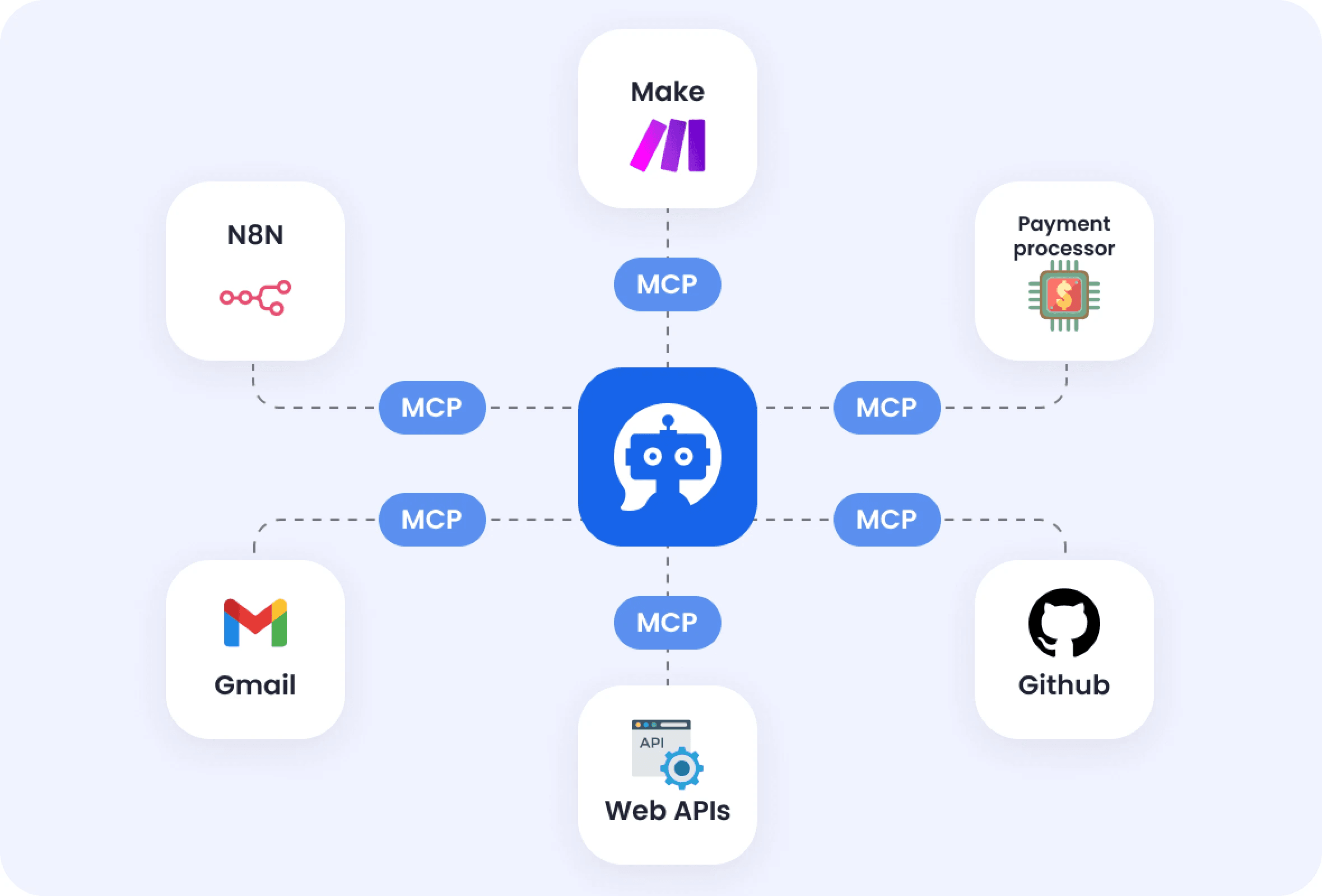
Use the integrated MCP server to let external AIs and automations interact with Mentortools directly—create content, update courses, fetch data, or kick off background processes programmatically.Your academy becomes an automation-ready platform that can talk to other services securely, enabling smarter workflows, faster launches, and hands-off maintenance while your team focuses on strategy and student success.
IntegrationsAutomations feature 3

#4 Ready-Made Actions in Make

MAKE ACTIONS
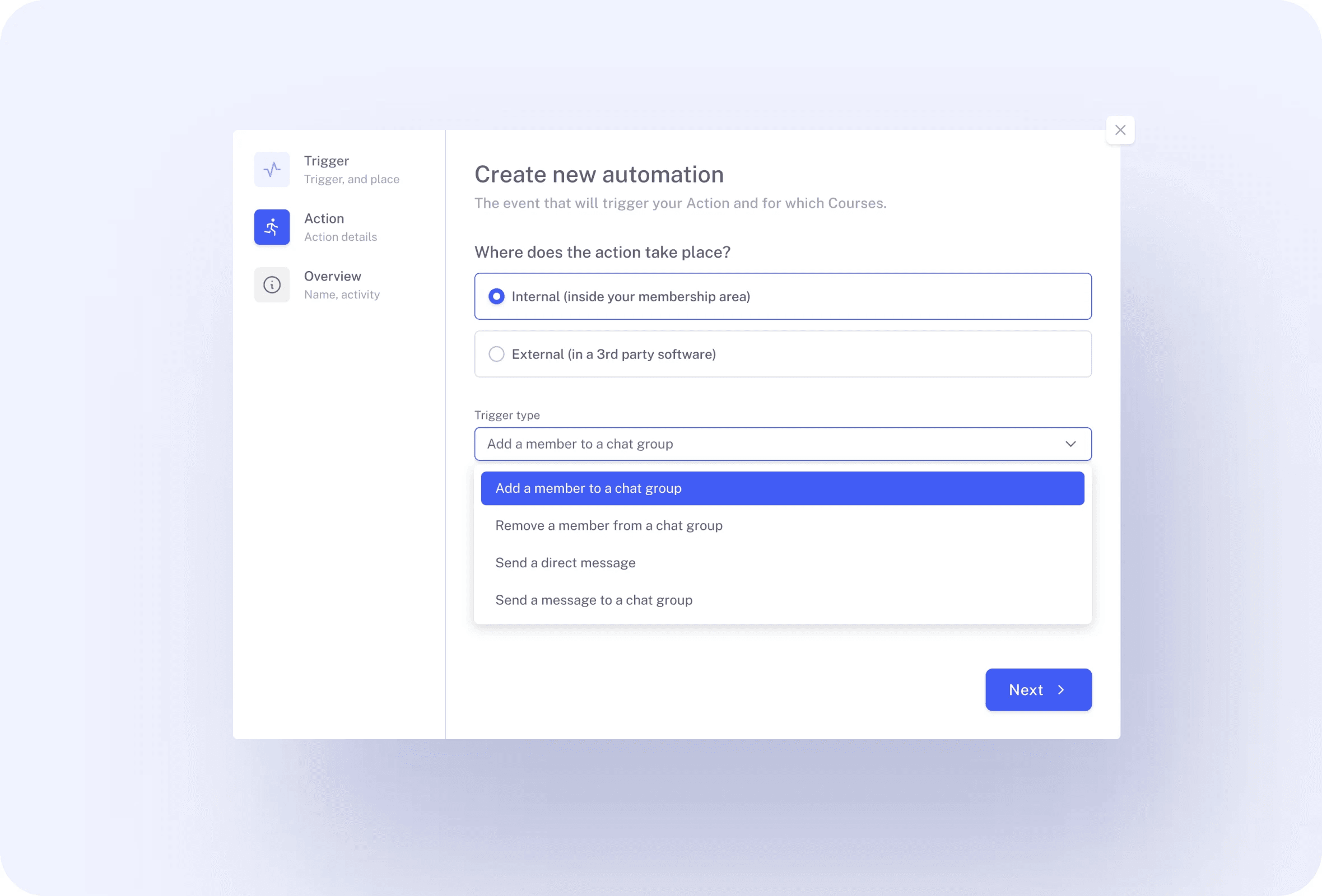
Speed up operations with prebuilt Mentortools actions like Count Courses and Count Lessons inside Make. Chain steps visually—pull metrics, send them to a spreadsheet, ping Slack, and notify your team—all without code.These plug-and-play actions give you reliable building blocks for reporting, monitoring catalog growth, and triggering follow-ups whenever your content library changes or a threshold is met.
IntegrationsAutomations feature 4

#5 Email Marketing, Nurture, and Tags

EMAIL & CRM
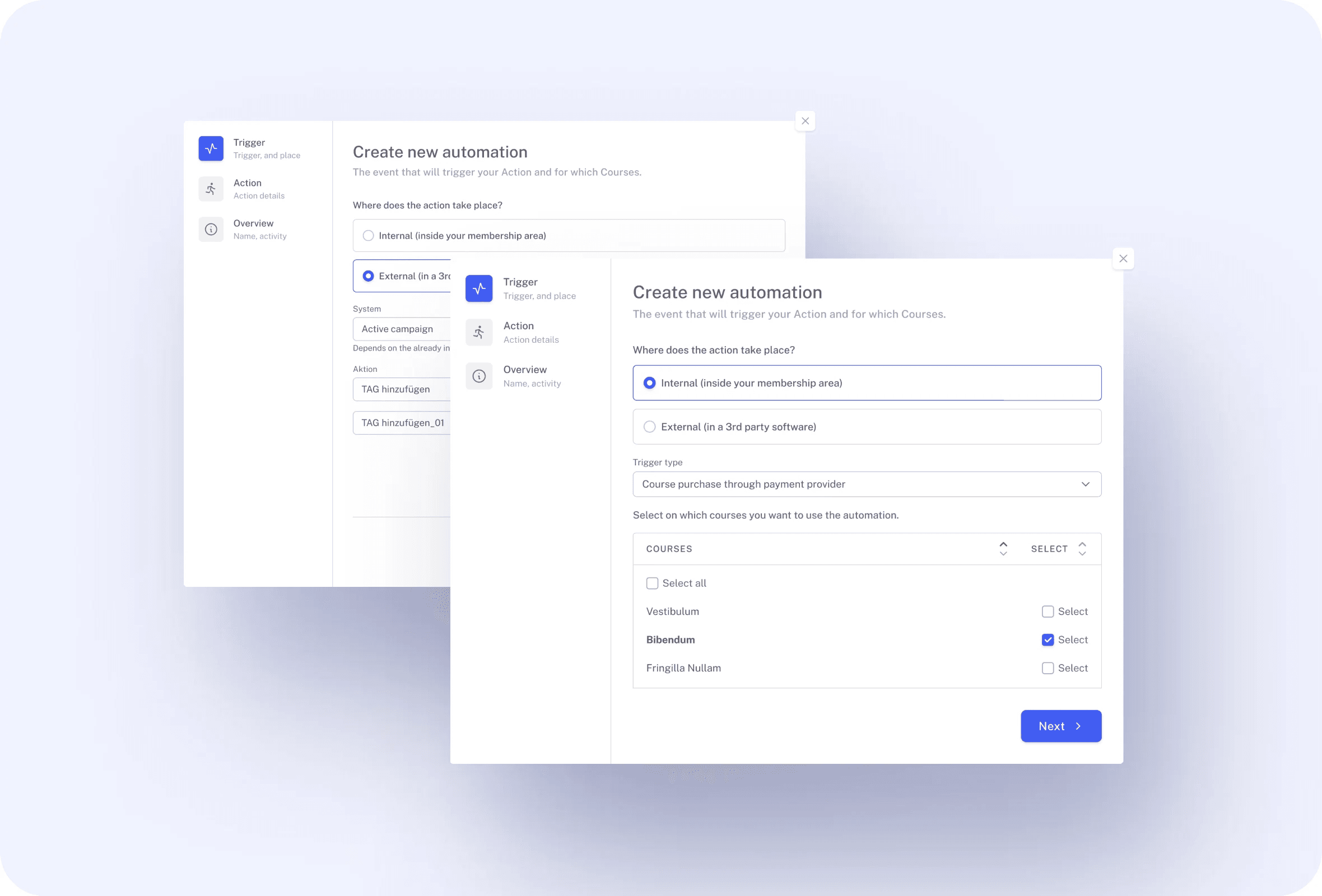
Connect tools such as Mailchimp, ActiveCampaign, and KlickTipp to automate onboarding and segmentation. When a learner buys, starts, or completes, trigger the right sequence, apply tags, or move them to a new list—no manual exports.Keep messaging personal and timely, from welcome emails to upgrade offers, while Mentortools keeps enrollment and progress data flowing cleanly to your email platform.
IntegrationsAutomations feature 5

#6 Enrollment & Access—Fully Automated

AUTO ENROLLMENT

Tie purchases from your checkout to Mentortools and let access handle itself. Successful orders unlock courses instantly; refunds or subscription changes can revoke or adjust permissions automatically.With the membership logic wired to your payment provider, records stay clean, support tickets drop, and your team spends more time creating content—not chasing down mismatched enrollments or expired access.
IntegrationsAutomations feature 6

#7 Lead Forms to Course Actions

FORMS TO COURSES
Turn form submissions into real enrollment moves. Connect tools like forms.app or Marketo through Zapier/Make to create contacts, add purchases, or start onboarding flows the second a lead opts in.Route high-intent prospects directly into a starter course, tag them for sales sequences, and track their progress—so marketing, sales, and education run as one continuous experience.
IntegrationsAutomations feature 7

#8 External Integrations Included

EXTERNAL INTEGRATIONS
Mentortools is built to connect. Out of the box it supports external integrations for email marketing and payment providers, so automating sales, communications, and enrollment isn’t an add-on project.Start with the tools you already use, expand as your needs evolve, and keep your learners’ journey consistent from checkout to certificate without custom development or brittle one-off scripts.
IntegrationsAutomations feature 8

Only with Mentortools: unlimited features

Sign up now and enjoy unlimited use of Mentortools.

Unlimited Courses

Your Mentortools account includes an unlimited number of courses. Create one course or 300 – there are no limits when you use Mentortools.

Unlimited Members

Invite as many members (clients, employees, etc.) as you want. No more annoying limits holding you back – scale without restrictions.

Unlimited Content

You and your members can upload as many videos, audios, images, and files as you like. No need for extra video hosting services.

Unlimited Communities

Create as many communities as you want inside Mentortools – with groups, posts, comments, and members. Total freedom to engage and grow.

Unlimited Chat Groups

Mentortools also lets you create unlimited chat groups with your users, whether directly with you or between members. Maximum flexibility.

Unlimited Landing Pages

Mentortools includes unlimited landing and sales pages. Create as many as you want with a modern visual builder.
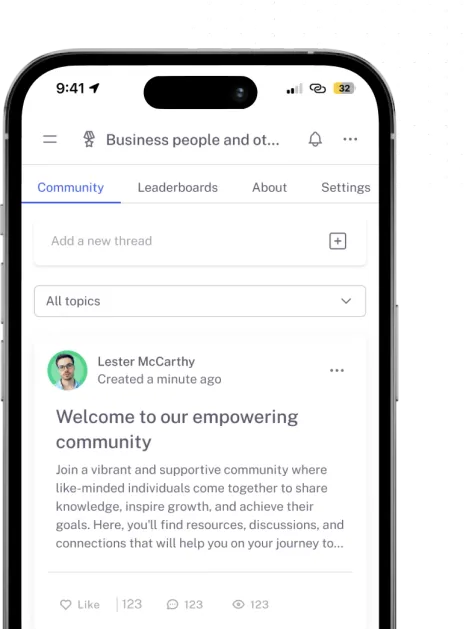
Mentortools mobile app

Mentortools offers the fastest way to turn your knowledge into high-quality online courses.

Start your test and your course will be ready in just 5 minutes

Ready to Begin? Let's Get Started

See all the features absolutely free.