AI Chat & Voice Assistants that Answer, Guide & Motivate Your Learners in Real Time

Students ask questions by voice or chat and get instant, content-grounded answers, summaries, and direct navigation through their courses. Low-latency, multilingual conversations keep momentum high while respectful prompts nudge the next best step.

Create your finished course in less than 5 minutes.
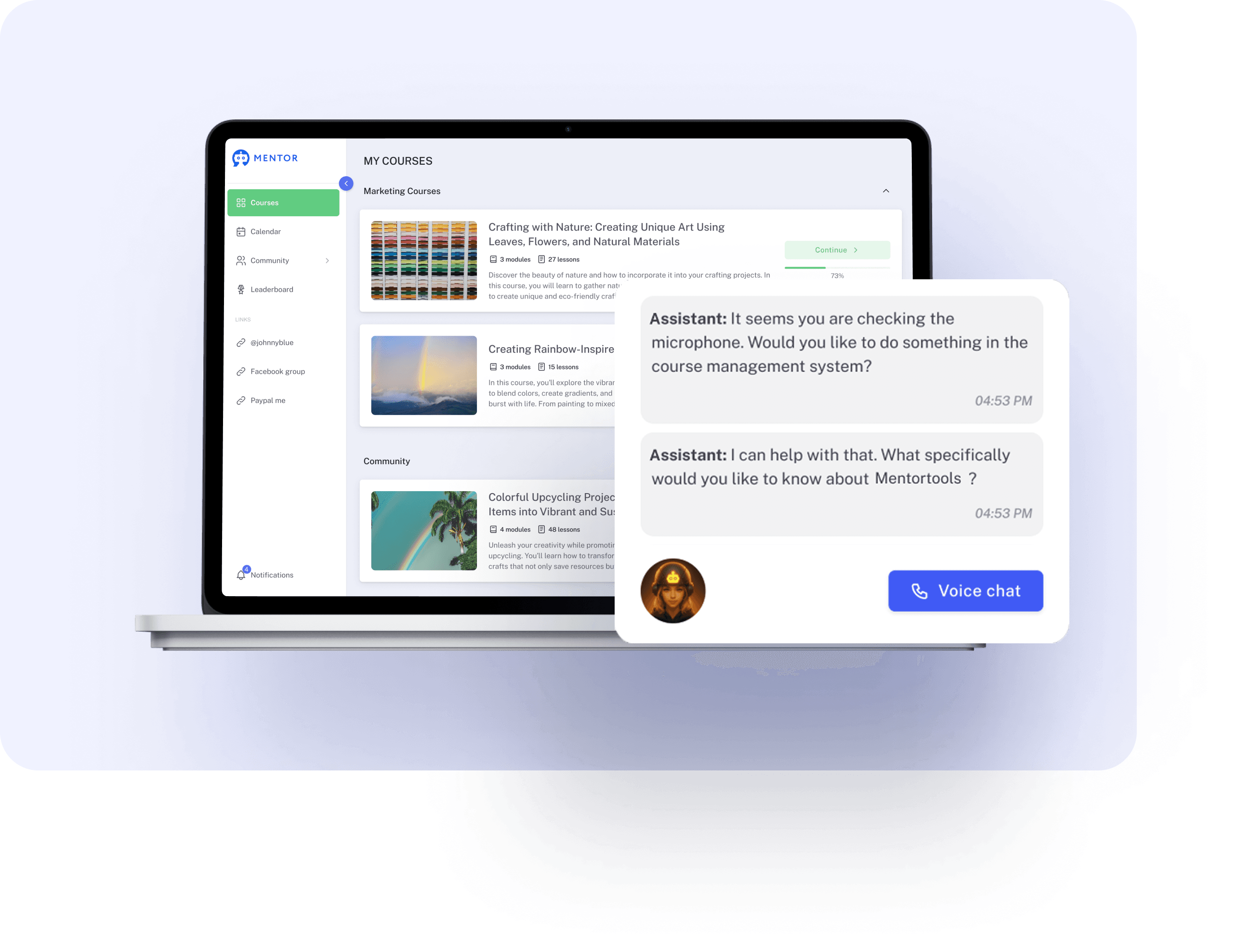
Personal AI Tutor for Every Member

Fast, natural conversations guide users through your program—summarize, find lessons, and act immediately. Replies reflect your course content, so guidance stays on-brand and effective

#1 Instant Answers, Grounded in Your Courses

INSTANT COURSE ANSWERS

Ask questions about the programs you own and get a spoken or written reply in seconds. Responses are generated from your lessons, PDFs, and video transcripts—not random web results—so guidance stays accurate and on-topic. Low-latency conversations feel natural and keep your study flow uninterrupted, whether you’re clarifying a concept, checking next steps, or confirming how a tactic is taught in your course.

Create your finished course in less than 5 minutes.

Instant course answers

#2 Talk or Type—Switch Anytime

CHAT OR AUDIO MODES
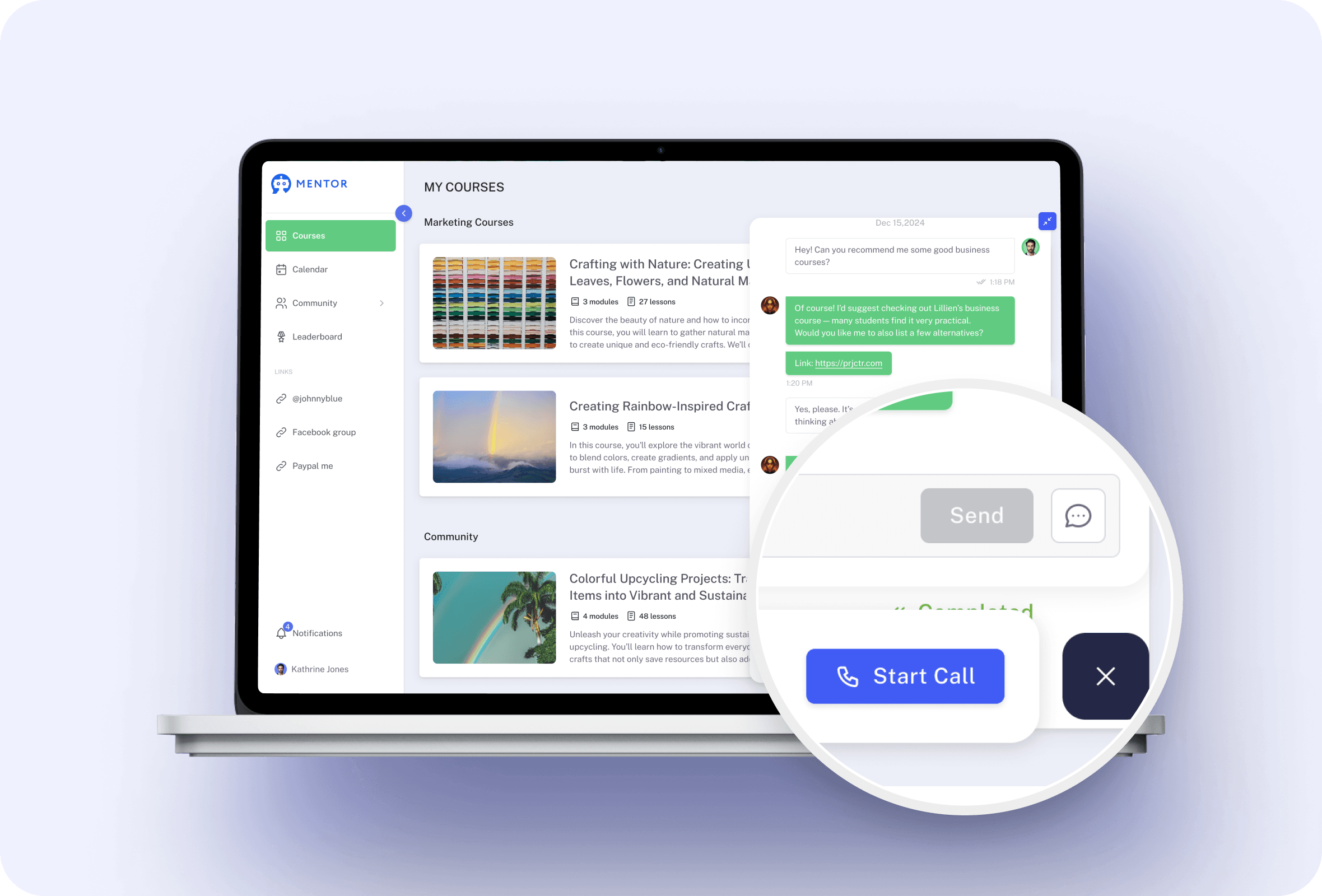
Use chat for quick notes, jump to voice for faster back-and-forth, then swap back to paste links or copy takeaways. Choose chat-only, audio-only, or dual mode (use one at a time and switch with a click). The assistant adapts to your environment and pace—perfect for quiet spaces, commutes, or moments when you need hands-free support—so you keep learning in the way that suits you best.
Chat or audio modes

#3 Navigate Courses by Voice or Chat

VOICE/CHAT NAVIGATION
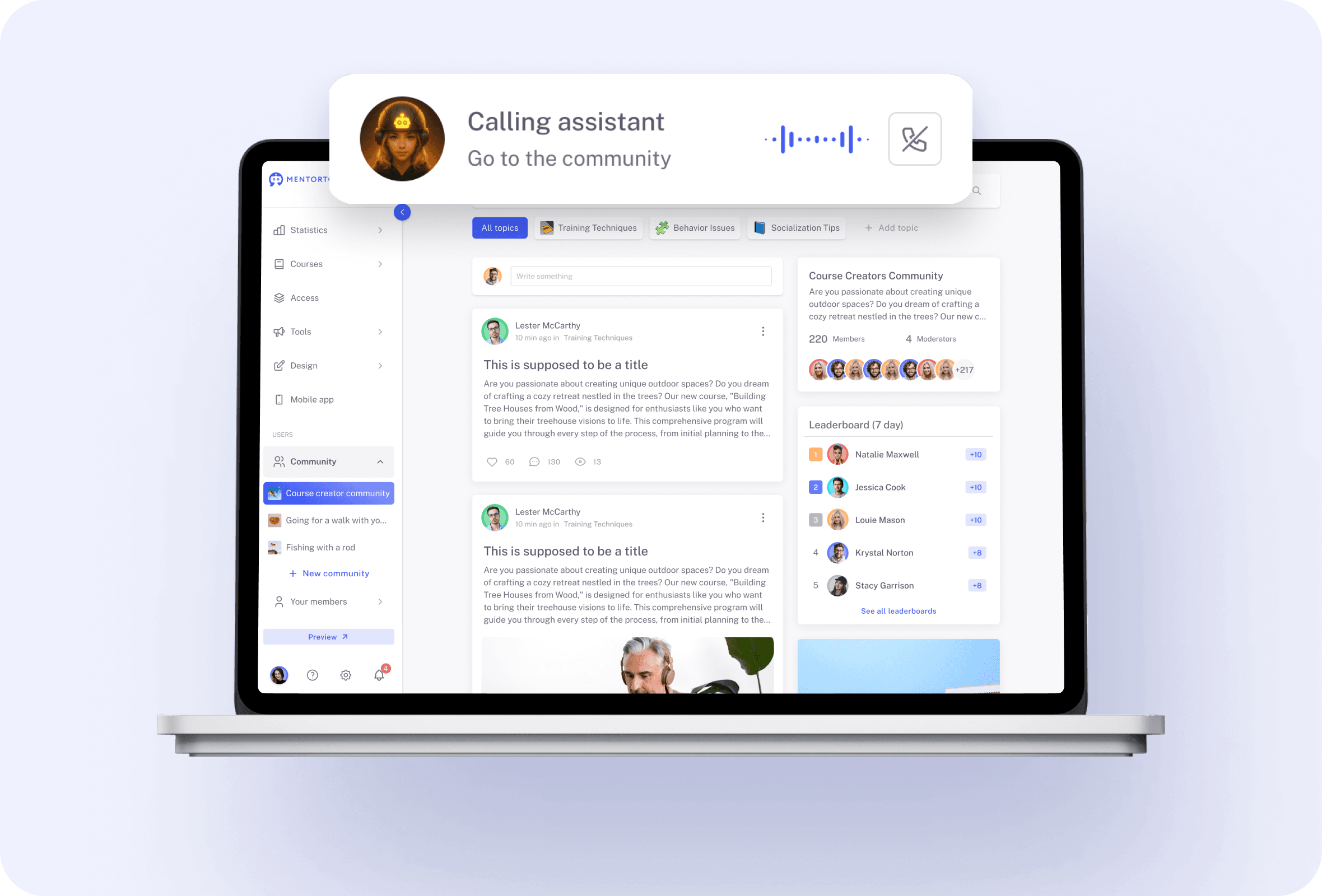
Say “Open the Facebook course,” “Go to the community,” or “Jump to Lesson 3,” and the assistant moves you there instantly. No hunting through menus or losing focus. Because navigation happens within your Mentortools account, you stay in context and land exactly where the material continues—ideal for revisiting a step, reviewing templates, or resuming a module mid-lesson.
Voice and chat navigation

#4 Answers From Your Course, Not the Open Web

CONTENT-GROUNDED REPLIES
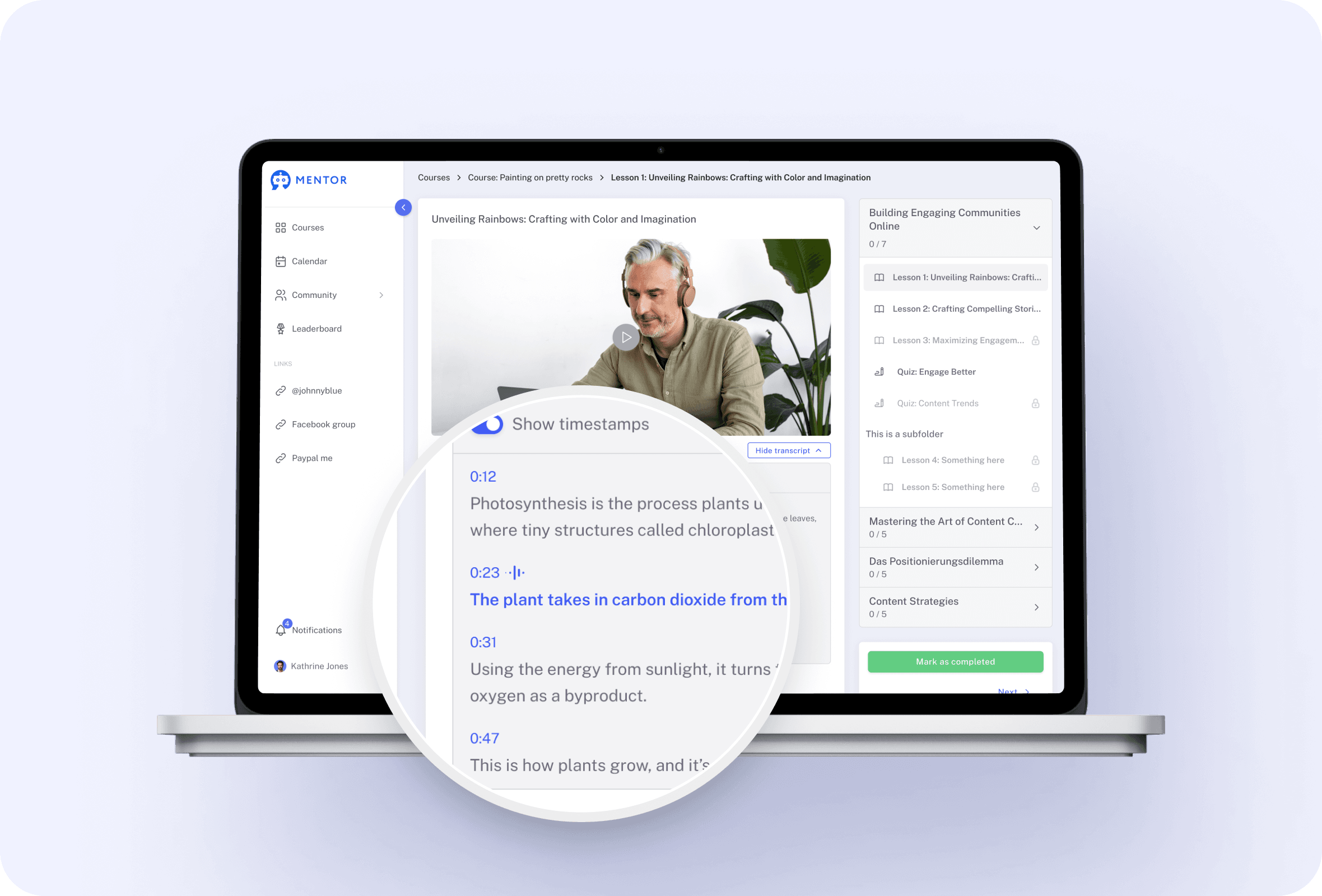
Every response is grounded in content you already own: text lessons, PDFs, and transcribed videos. Ask “How should I structure a reel?” and the assistant cites and summarizes the relevant material instead of guessing. That means fewer contradictions, fewer rabbit holes, and guidance aligned with your instructor’s method—so practice matches what’s taught and progress stays consistent.
Content grounded replies

#5 Summaries on Demand—Lesson, Module, or Concept

ON-DEMAND SUMMARIES
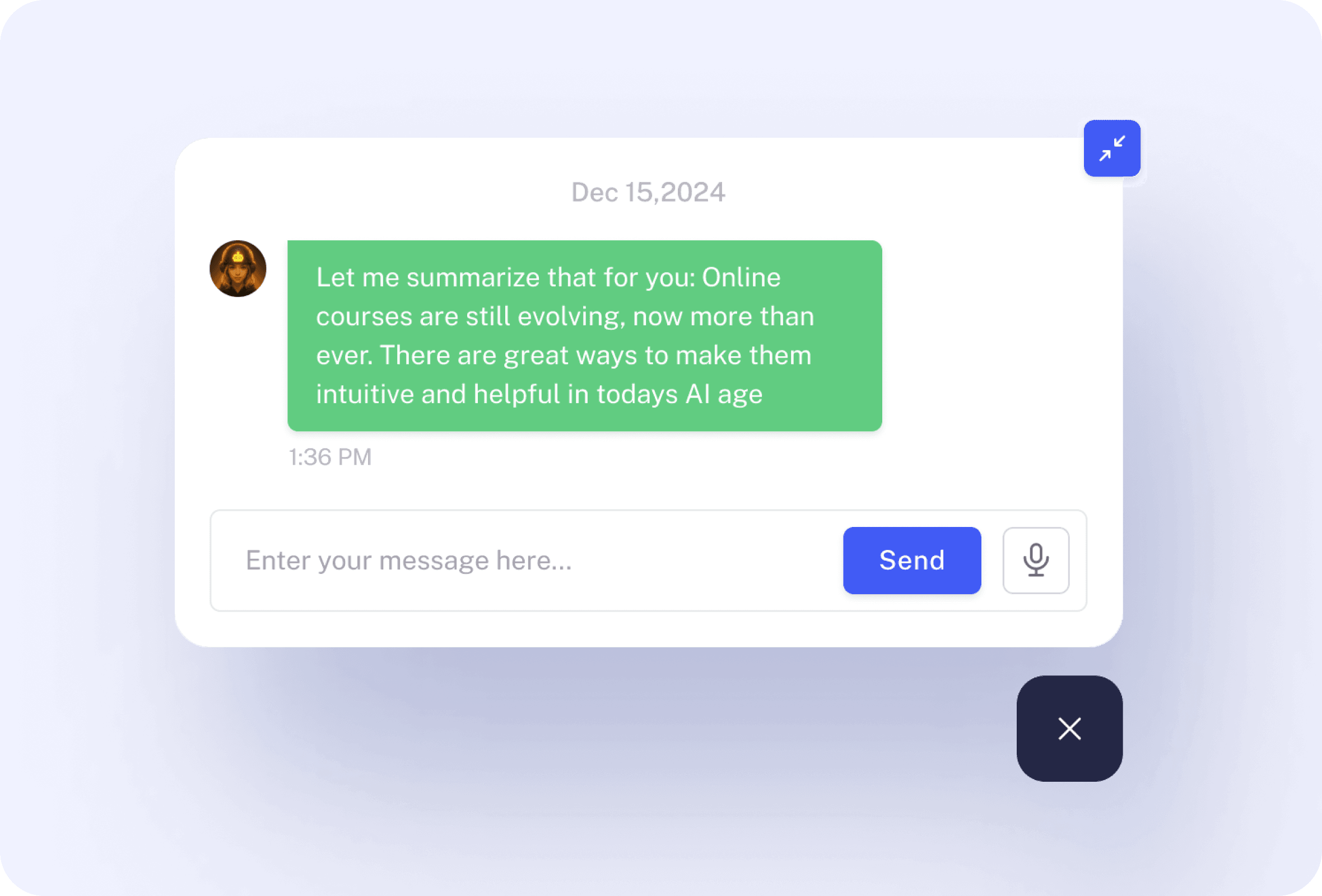
Need the big picture before you dive in? Request a concise summary, a step-by-step outline, or key takeaways from any lesson. Use it to prep before a live call, refresh after a break, or review before implementation. Because summaries are produced from your course content, they reflect the exact approach, language, and frameworks your instructor uses.
On demand summaries

#6 Find the Right Lesson Fast

FIND LESSONS FAST
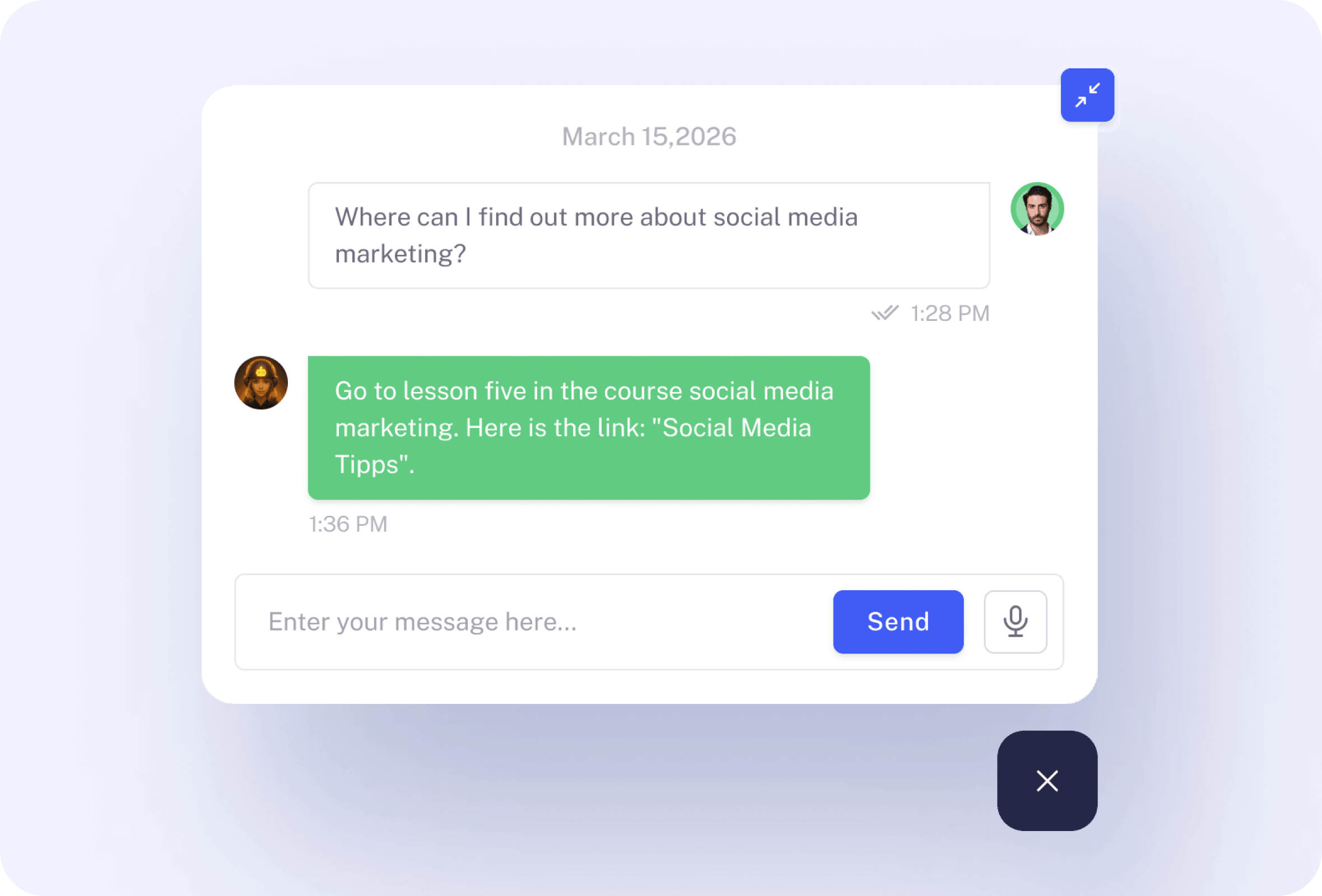
Say “Show me lessons about ad creatives,” and get a short, relevant list with direct links. The assistant searches across the courses you own and surfaces the best matches, so you can click straight to the material you need. It’s the fastest path from question to learning—no manual scanning through modules, timestamps, or folder structures.
Find lessons fast

Only with Mentortools: unlimited features

Sign up now and enjoy unlimited use of Mentortools.

Unlimited Courses

Your Mentortools account includes an unlimited number of courses. Create one course or 300 – there are no limits when you use Mentortools.

Unlimited Members

Invite as many members (clients, employees, etc.) as you want. No more annoying limits holding you back – scale without restrictions.

Unlimited Content

You and your members can upload as many videos, audios, images, and files as you like. No need for extra video hosting services.

Unlimited Communities

Create as many communities as you want inside Mentortools – with groups, posts, comments, and members. Total freedom to engage and grow.

Unlimited Chat Groups

Mentortools also lets you create unlimited chat groups with your users, whether directly with you or between members. Maximum flexibility.

Unlimited Landing Pages

Mentortools includes unlimited landing and sales pages. Create as many as you want with a modern visual builder.
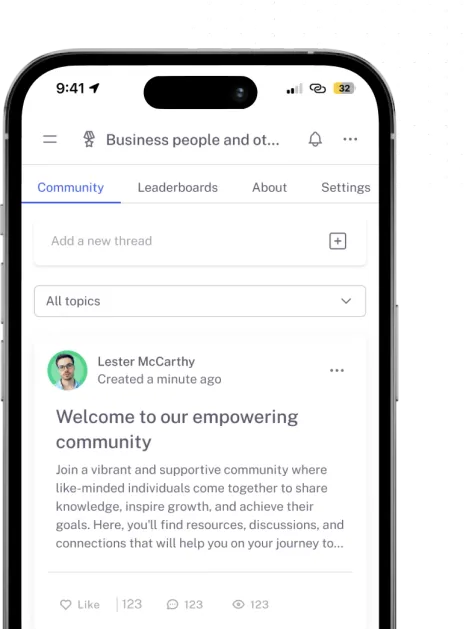
Mentortools mobile app

Mentortools offers the fastest way to turn your knowledge into high-quality online courses.

Start your test and your course will be ready in just 5 minutes

Ready to Begin? Let's Get Started

See all the features absolutely free.